




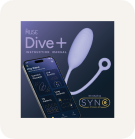
Dive+App-Controlled Insertable Device


- Long-press Dive+ power button until the light blinks.
- Open MyMuse Sync app, enable Bluetooth, tap “Connect.” Need help? Follow our step-by-step guide.
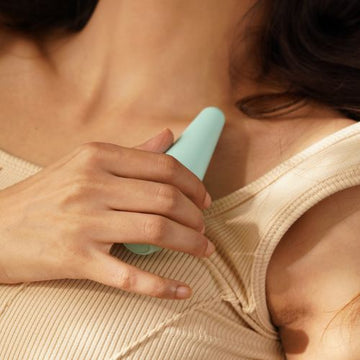
- Apply water-based gel (like Glide), gently insert, and explore!
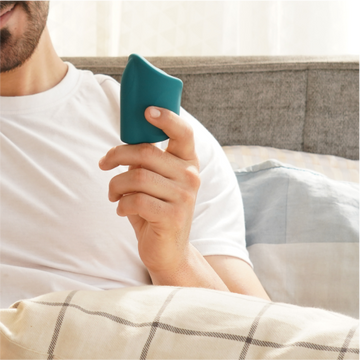
- Control vibrations via the app —enjoy live control, create custom speeds, or share control with a partner through long-distance play.
P.S.- You can also use Dive+ without the app, simply shuffle through the 10 preset speeds using the power button on the device.
The MyMuse Sync app reimagines connection by giving you full control over your device from your phone. Here's how it works:
- Live Touch Control: Swipe to seamlessly adjust vibrations in real-time.
- Custom Speed Patterns: Create, save, and explore infinite vibration patterns.
- Long Distance Play: Share control with your partner anywhere in the world, with a simple 6-digit code.
- Privacy First: Enjoy encrypted, secure sessions with complete privacy.
Need help? Check out the MyMuse Sync App How to Use & Troubleshoot page.
We offer a 100-day warranty for Dive+!
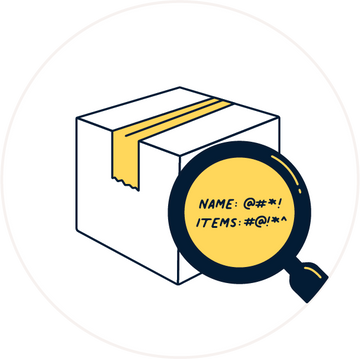
Box Inclusions



5,00,000+ Indians Love Us
We asked our customers about their
MyMuse experience. Here's what they said...
-
91%
Loved their purchase and found it discreet yet powerful
-
86%
Show an improved relationship with their own body
-
100%
Believe that healthy playtime improves overall happiness


Featured Customer Reviews
Here’s How Dive+ Changes The Game

Internal Bliss

App-Controlled Possibilities

Connection Across Borders
FAQs
How do I use the MyMuse Sync app?
To learn how to use the MyMuse Sync app and explore all its features, visit our How to Use & Troubleshoot page. This covers everything you need to get started and make the most out of your experience.
How do I download the MyMuse Sync app?
Scan the QR code in the product manual or find MyMuse Sync on the App Store or Google Play Store. Download, create an account, and start using your Dive+!
Do I need to use the app to operate Dive+?
Technically, no. Dive+ works without the app too—just use the button on the device to cycle through 10 pre-set speed patterns.
But if you really want to turn up the heat (or hand over control), the MyMuse Sync app’s your best friend. Long-distance? Live control? Custom vibes? All in one tap.
The MyMuse Promise